Prefer a video tutorial? Watch the How to Upload Work Samples video.
How to Upload Work Samples
Before you upload images to CaFÉ, check to make sure they meet the following requirements:
File Type: JPEG or JPG only.
File Dimensions: 1,200 pixels or greater on the longest side.
File Size: Under 5 MB.
You can also upload audio and video files, or add external audio and video links. Learn more about the accepted media types.
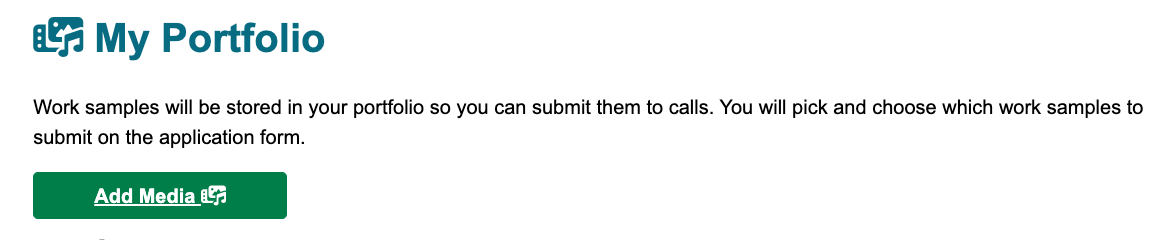
After logging in, click 💼 My Portfolio.
Note: If you are on the Creative West Opportunities Portal landing page, you need to click CaFÉ in the menu first
Click ➕ Add Media.
Select a file type to upload. The default is an image, but you can also upload audio or video files.
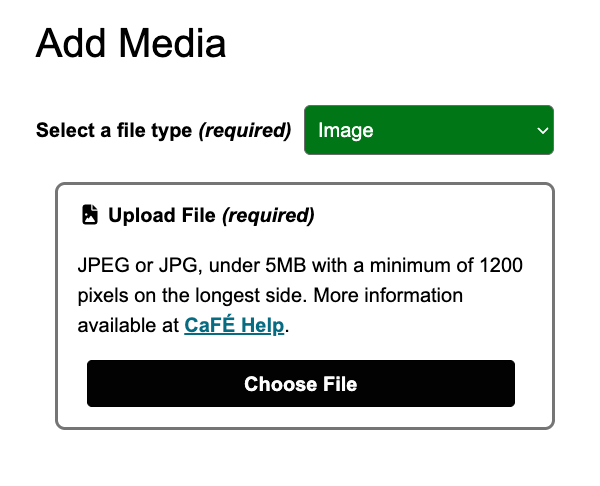
Click Choose File and select the image from your computer or phone.
Fill in the required fields: artwork title, alternative text, medium, height, width, depth, if the artwork is for sale, and the year it was completed.
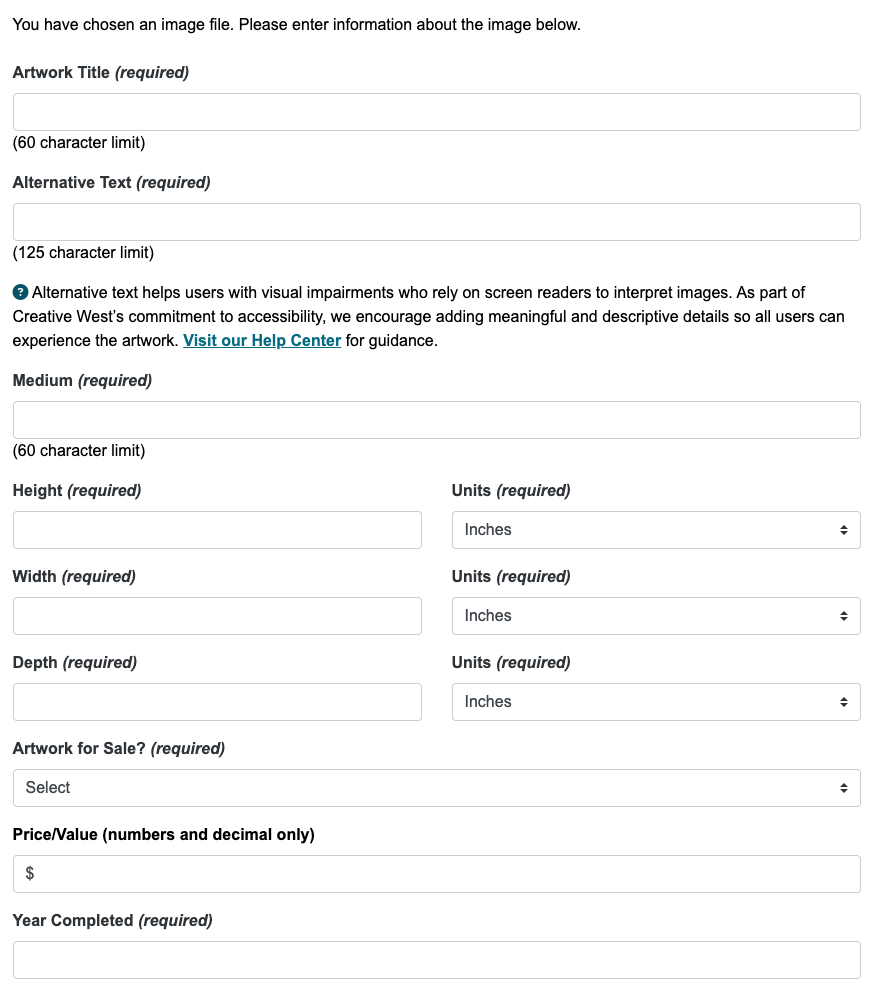
If desired, enter the primary discipline, if the art is in a public place, and a description.
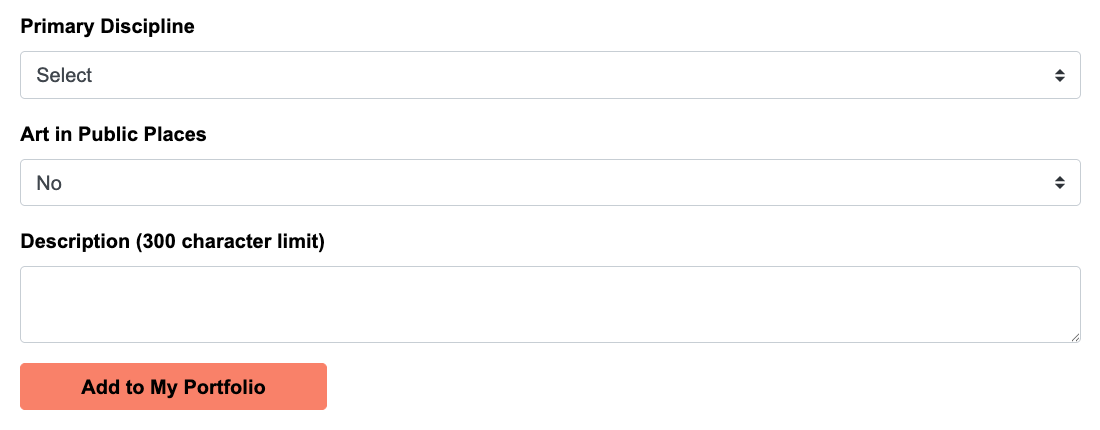
Click Add to My Portfolio to upload your image.
⚡️TIP: A strong application starts with a great image of your artwork. Learn more at Photographing Artwork: Your Essential Guide for Jury-Ready Images.
What is Alternative Text?
Alternative text, or alt text, is a brief written explanation of an image’s content. It allows screen readers to provide an audio description of the image for users who are blind or visually impaired. Providing clear and meaningful descriptions helps create a more inclusive and welcoming online environment.
Helpful Resources
Image Description Tool: Use this as a start to help you quickly generate a description for your image.
Alt Text Best Practices - Harvard: Learn how to write clear and helpful alt text, with examples.
✨Ready to showcase your artwork? Search and find a call for entry!
