CaFÉ Profile vs. Creative West Account
What’s the Difference?
A Creative West account is the overarching account that will house your CaFÉ profile(s) and allow you to interact in the new Opportunities Portal.
A CaFÉ profile contains details about you, such as contact information like address and phone number, that are necessary for submitting applications to calls on CaFÉ.
You need both a Creative West account and a completed CaFÉ profile in order to apply to CaFÉ calls.
Creating a CaFÉ Profile
After you create your Creative West account, you’ll then be prompted to complete your CaFÉ profile. If you are not automatically prompted, either of the following actions will prompt you to complete your profile:
Click CaFÉ from the main menu in the Opportunities Portal
Click Apply on CaFÉ when viewing any Opportunities Detail page
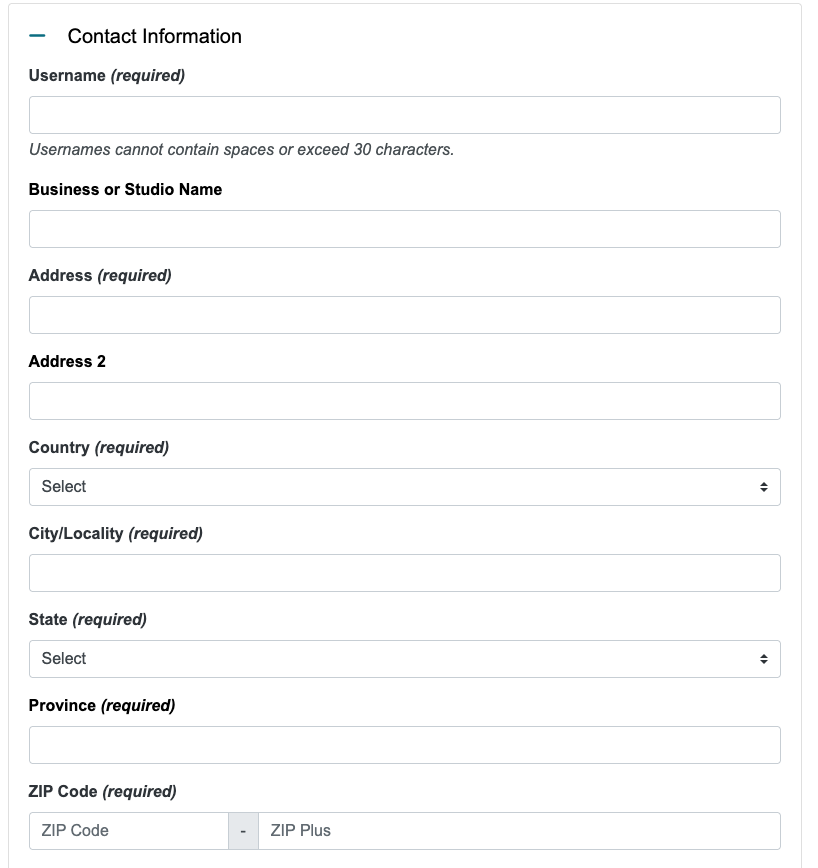
Section 1: Legal & Contact Information
Review and accept the CaFÉ Terms & Conditions first. Then, enter a username, your business or studio name, and physical address.
Section 2: Teams
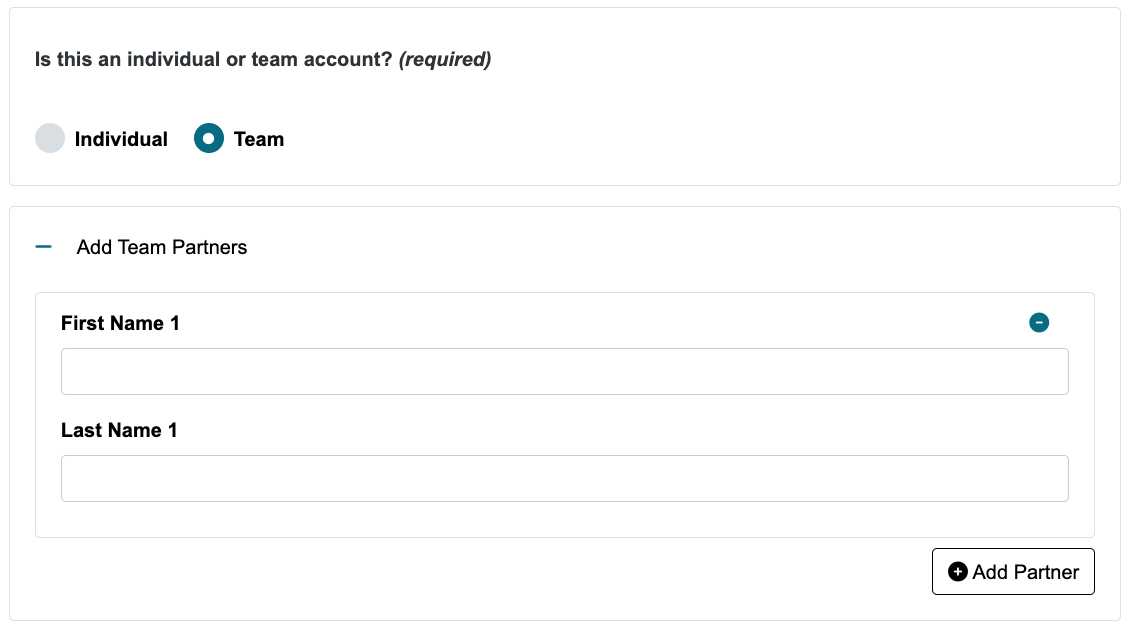
Choose the type of profile you want to set up. If you are the sole creator of the artwork, select Individual. If you work with collaborators or associates, select Team and enter their name(s). Their name(s) will be included on your applications.
Section 3: Artistic Discipline
Choose up to four artistic disciplines that best represent your professional work in the arts. This information helps us tailor notifications specific to your interests and is only used internally.
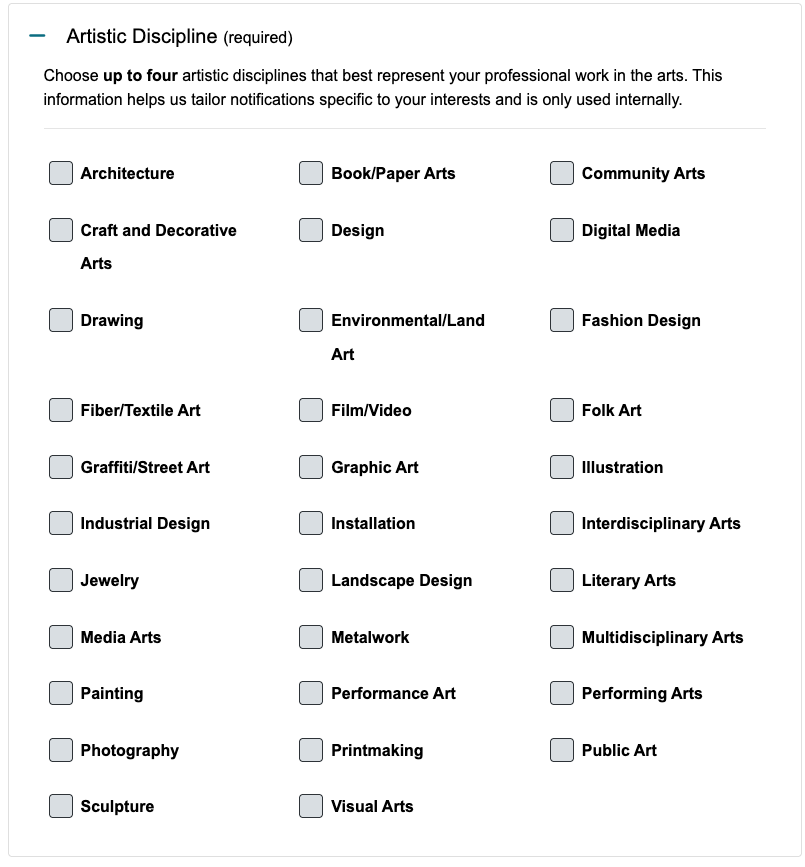
The artistic disciplines selected in your CaFÉ profile do not affect personalization selections made in your Creative West Account. These artistic discipline selections will not impact your feed(s) in the Opportunities Portal.
Section 4: Notification Settings
Opt in to CaFÉ emails in this section. You can unsubscribe at any time.
Opportunity Notifications: Receive a weekly email with upcoming deadlines and calls for entry that have recently started accepting applications.
Deadline Notifications: Receive emails reminding you of upcoming deadlines for applications that you have started.
Artist System Information: Receive emails about new CaFÉ features, upcoming updates, and other information about CaFÉ.
Call Promotion Announcements: Receive emails about individual events that just opened or have an upcoming deadline.
While you can’t opt out of receiving emails from calls for entry to which you have applied, we never want to send you emails you don’t want. To subscribe (or unsubscribe) from all email lists, click the checkbox next to each notification option.
Review the Communication Policy.
Opting in or out of CaFÉ emails will not impact emails you may be subscribed to through your Creative West account. Go to Email Settings in your Creative West account to update your email preferences.
Once you've finished, click Create My Profile to complete your profile setup.
👋 All signed up? Welcome to the CaFÉ community! Get started by uploading work samples to your portfolio.
