
The Creative West Opportunities Portal
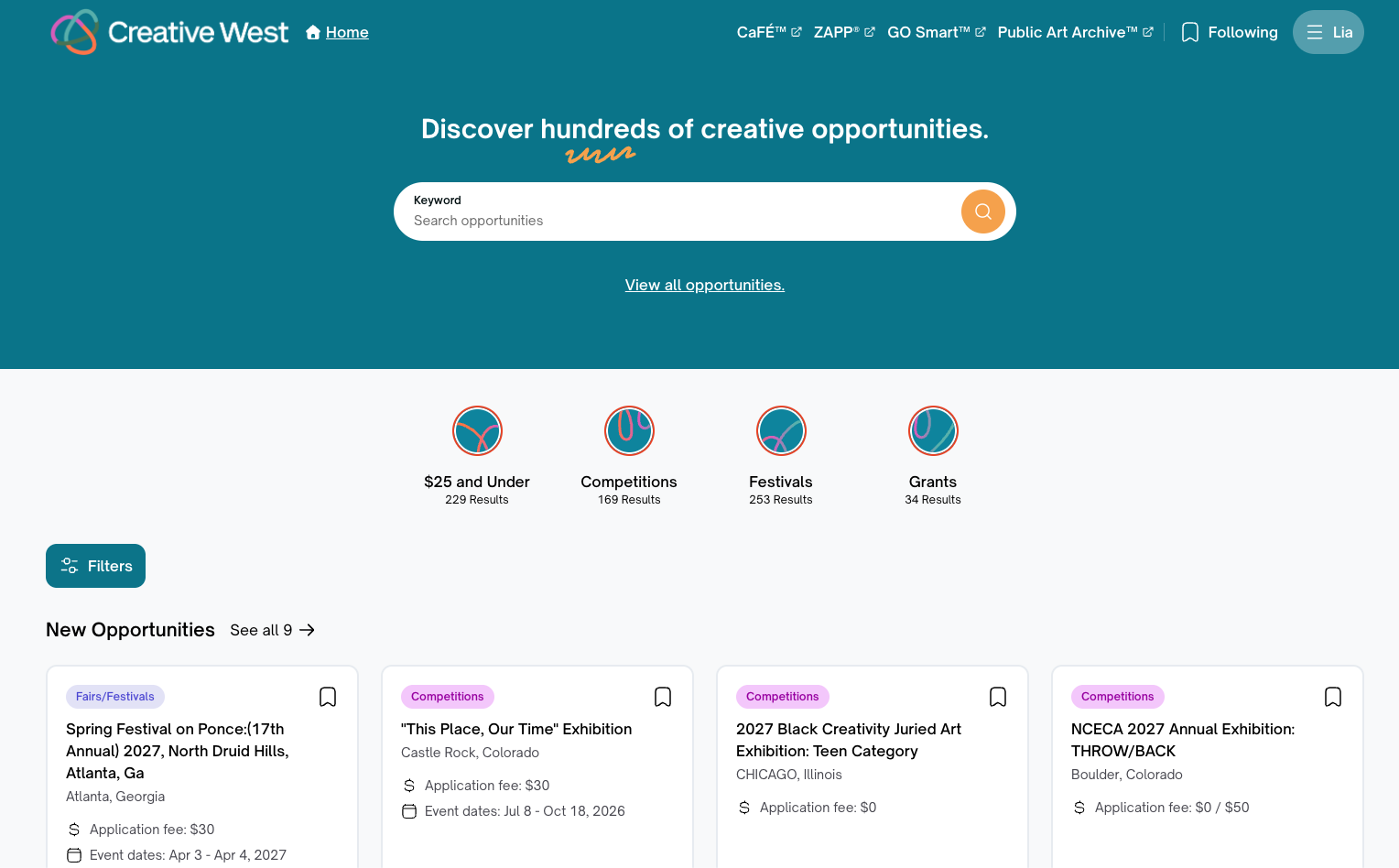
The former CaFÉ Call Listings page is now the Creative West Opportunities Portal. Find all CaFÉ call listings and other creative opportunities in the Opportunities Portal.
Access the Portal in two ways:
Go to https://opportunities.wearecreativewest.org/ and begin searching. (Click Sign in to browse from within your account).
If you’re logged in to CaFÉ (My Entries, My Portfolio, etc.), click Apply to Calls.
Your personalized feed will display opportunities in three general sections:
Upcoming Deadlines: Displays opportunities with deadlines occurring within the next two weeks
Near Me: Displays opportunities within your close geographic area. When first visiting the site the browser may prompt you to allow us to track your location. If enabled, this will display opportunities near your location.
Trending: Displays trending opportunities.
If you save searches, your homepage will also add new feeds based on your saved keywords and filters.
⚡TIP: Want to see more relevant results? Select the options that align with your interests under Personalize My Feed and click Save.
Searching and Filters
Use the search bar to search by keyword. Click the bookmark icon to “follow” or save an opportunity.
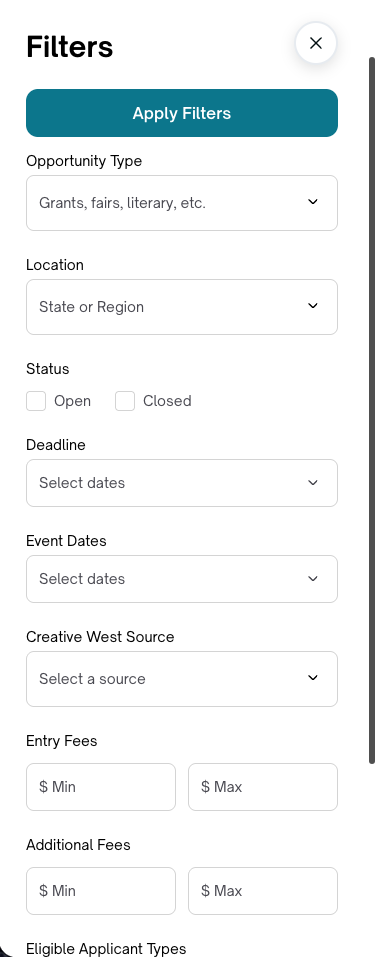
Click Filters to narrow your search by specific criteria. After choosing one or more filters to refine your search, click Apply Filters.
Filter Definitions
Click the arrow to the left of each filter name to see the definition.
Opportunity Types
Select the type(s) of opportunity you’re looking for. Each type includes several related subtypes; see below for what falls under each one.
State or Region
Choose one or more states and/or regions
Status
Open = opportunities accepting applications. Closed = opportunities no longer accepting applications.
Deadline
Choose a specific date, or next 7 days, next 30 days, next month, or opportunities with rolling deadlines.
Event Dates
Choose a specific date, or next 7 days, next 30 days, or next month.
Source
Select which opportunities you want included in the search results, from CaFÉ, ZAPP, and/or GO Smart.
App Fees
Set minimum and maximum ranges for opportunities with application/entry fees. For free opportunities, set the “from” and “to” ranges both to zero.
Post Jury Cost
Set minimum and maximum ranges for opportunities with post-jury costs. For free opportunities, set the “from” and “to” ranges both to zero.
Eligible Applicant Type
Select the types of applicants eligible to apply to certain opportunities. Select one or more of the following: artists, non-artist vendors, grant seekers (organizations) or grant seekers (individuals).
Location Eligibility
Select the region(s) from which applicants are eligible to apply. Options include: Local, Regional, National, International, and Unspecified.
Opportunity Subtypes
Opportunity types include several subtypes. See the chart below for help understanding what results may appear when filtering by specific Opportunity Types.
Type | Includes |
Commissions | Public Art, Proposals, Individual Commissions, Projects, Request for Qualifications |
Fairs/Festivals | Fine Art, Craft, Markets, Festivals |
Grants | Project Grants, Awards, General Operating Support, Fellowships, Artist Fund, Economic Development, Arts Education, Culture and Tourism, Fellowships, Grants |
Exhibition | Exhibitions |
Competitions | Performing Arts, Portfolio Reviews, Alumni, Competitions, Literary, Member, New Media, Online, Photography, Youth, Writing and Publishing |
Residencies | Residencies |
Community | Meetups, Volunteering |
Resources | Workshops, Professional Development, Lectures, Classes, Consultation Services, Webinars |
Rosters | Directories |
⚡TIP: Prefer to view all opportunities? Click View All Opportunities under the search bar to see the full list.
Viewing Opportunity Details
Click the opportunity title to pull up the Opportunity Details page. Each opportunity has a Details page with important submission, eligibility, and participation requirements.
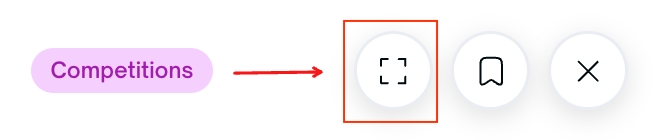
Click the fullscreen icon to see a larger version of the Opportunity Details page.
The top of the page will show you contact information, the call requirements, and a summary of the call. Use the Jump To section to quickly access additional details, such as Application Requirements, Important Dates, and Legal Terms.

✨ Ready to Apply? Click the black Apply button to complete your application.
If you’re applying to an opportunity through ZAPPlication or GO Smart, you will leave the Opportunities Portal and be taken to those sites. You may need to complete additional registration details before you can apply.
