
What does my application status mean?
These definitions describe how statuses are typically used; however, organizations may have different processes. Contact the organization directly if you have questions about your application status.
Started
Your application has been started but has not been completed or submitted.
Ready for Submission
Your application has met all the requirements, but has not been submitted to the call. You’ll need to check out before the entry is included in the call’s jurying process.
Received
The organization has received your application.
Awaiting Payment by Check
The organization has received your application, but they are still waiting for your check to arrive.
Incomplete
The organization sponsoring the call is requesting or allowing you to modify your application. You can resubmit without incurring additional application/jury fees. Applications in this status must be resubmitted before the application deadline.
Exception
The organization sponsoring the call is requesting or allowing you to make modifications to your application after the application deadline. Make edits and let the administrator know when you are finished so they can move you back to the appropriate status.
Reviewed
The organization has reviewed your application, but it hasn’t been juried yet.
Jury Round in Progress
The call’s jurying progress has begun. Your status will be updated again once the selection process has been completed.
Invited
Your application has been selected to participate in this call.
Not Invited
Your application has not been selected to participate in this call.
Wait List
You may be invited to this call should another participant drop out.
Exempt from Jury
Your application was successfully submitted, and based on prior communication, the organization has approved your participation in the call.
Accepted
You have accepted the invitation for this call. Most calls do not use this status. You can leave your application in the Invited status unless the call’s administrators tell you otherwise.
Confirmed
You have made the necessary purchases and are committed to participating in the call. Most calls do not use this status. You can leave your application in the Invited status unless the call’s administrators tell you otherwise.
Withdrawn
Your application has been removed from consideration.
Other
This status serves a variety of purposes. Contact the organization for more details.
Where can I see my application status?
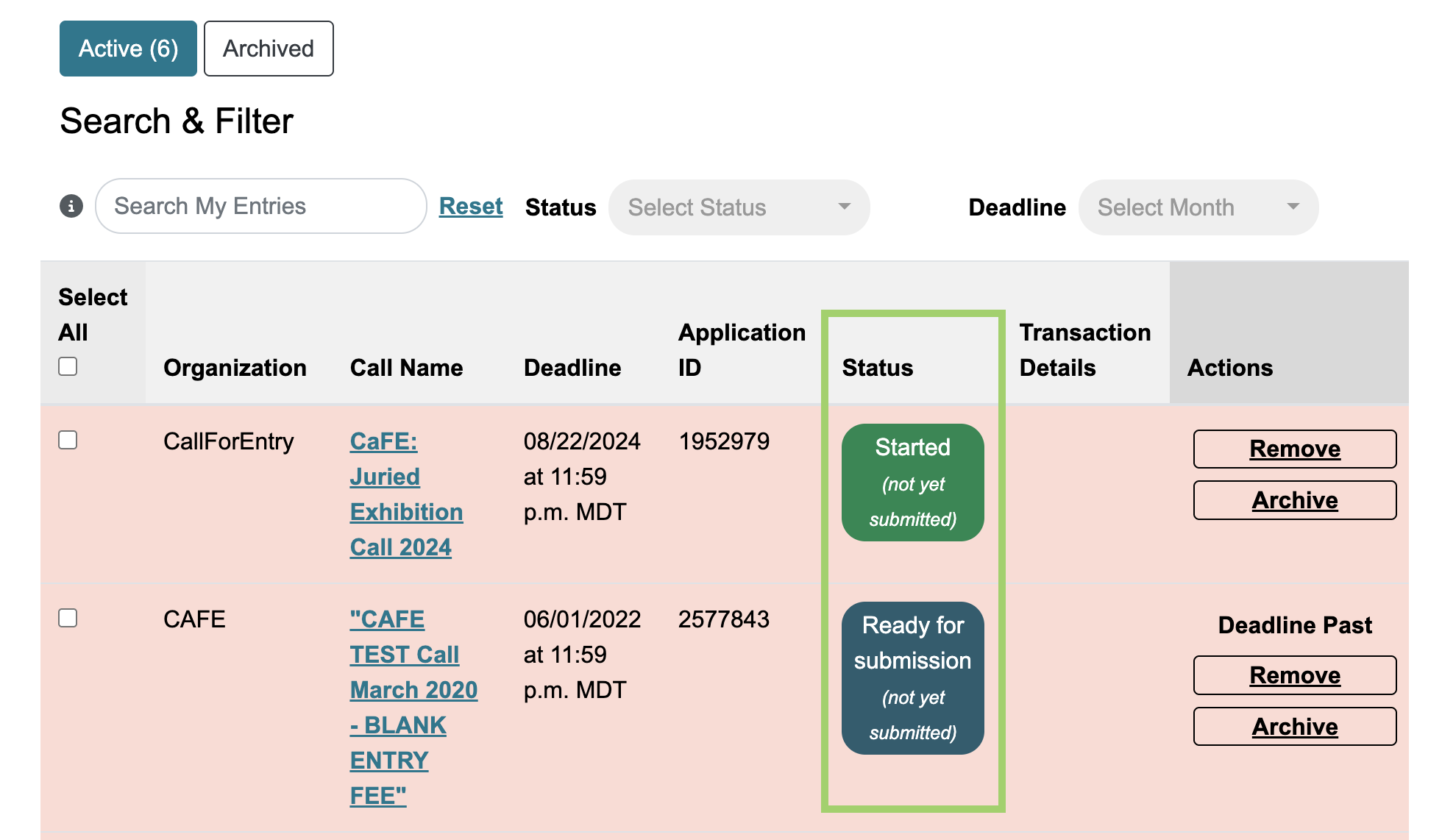
After logging in, go to the 🗂️ My Entries page and refer to the Status column. We recommend checking this page regularly for status updates on your entries! Learn more about the My Entries page.
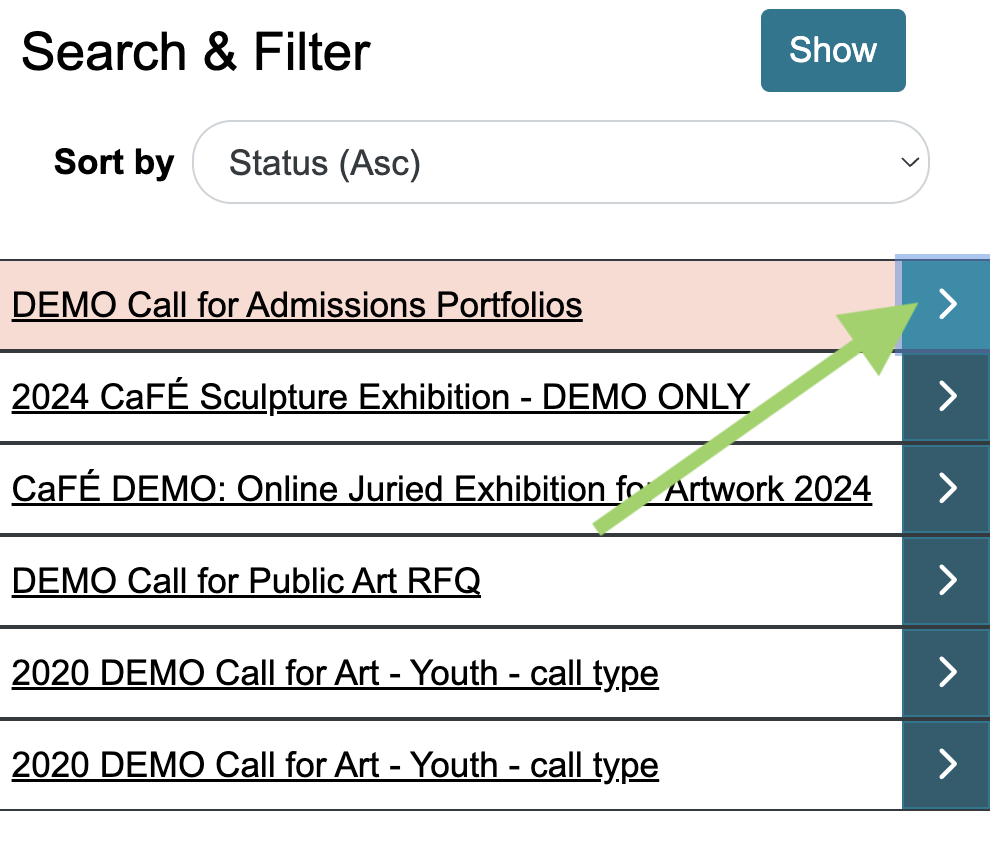
⚡️TIP: If you use a mobile device, click the arrow next to one of your entries to view its status and more info.
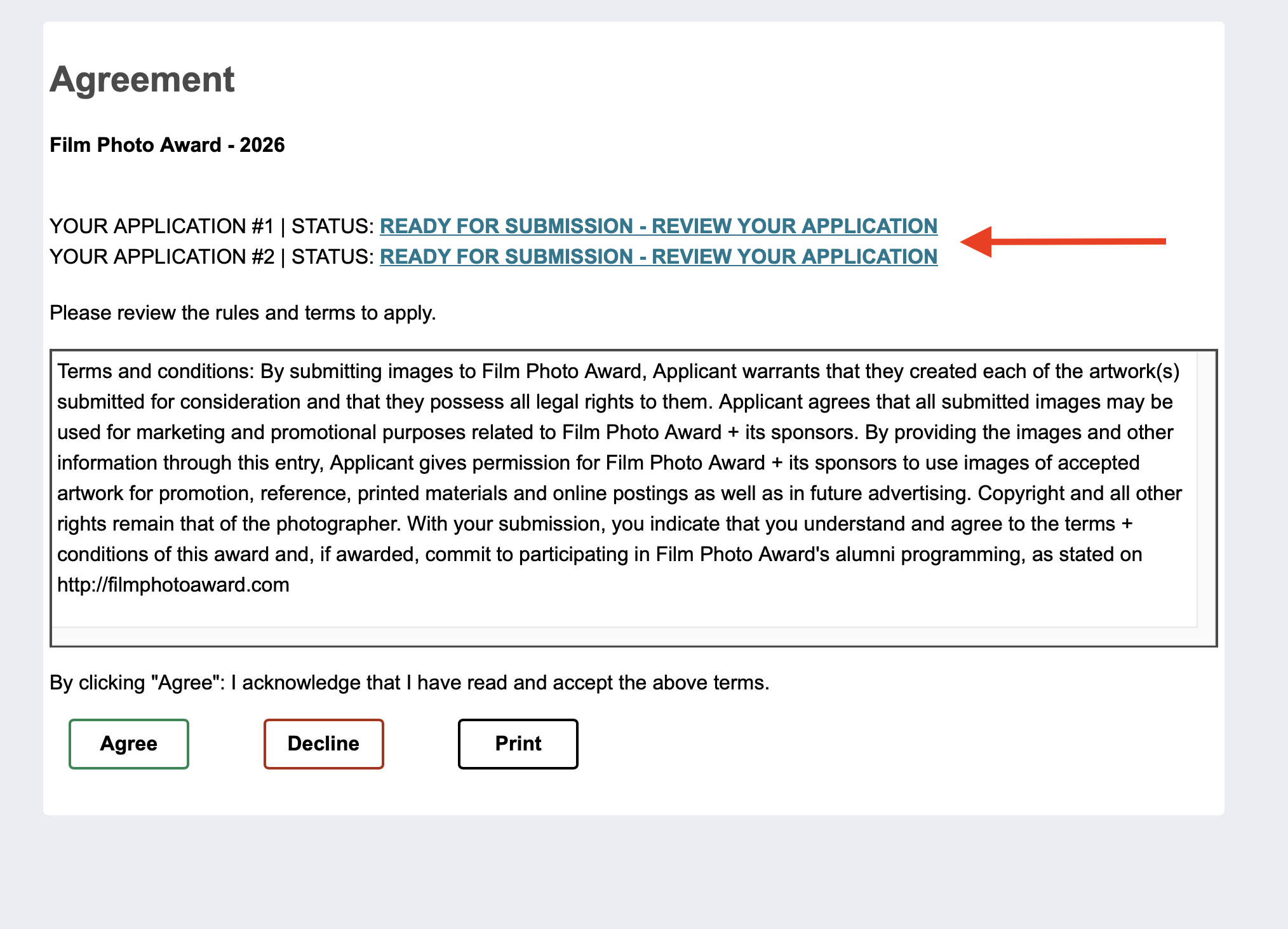
If you have started or submitted more than one entry to a call, you will see that on the legal terms agreement page before accepting the terms to start a new application.